
Gimp is one of the popular software in the open-source world, and it is sometimes called the “best photoshop alternative” in the open-source community. But the update cycle of this software is slow, as a result of some Linux distributions still have an old version of it installed on them. However, the latest gimp version as of writing this article is “2.10.x“. So, today we are going to look at “how to update Gimp 2.8 to latest Gimp 2.10“.
Note: This article is applicable for any “Linux Mint 19.x and Ubuntu 18.x” and their derivatives.
Step 1: Check the current version of GIMP
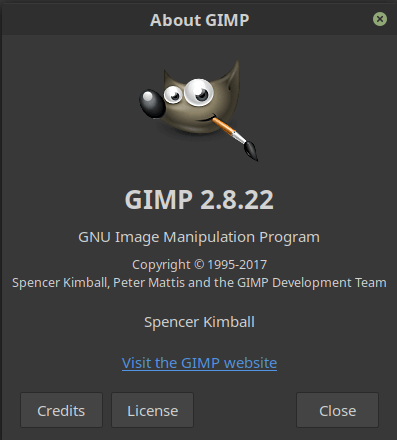
From the picture below, we can confirm that the current version of the gimp installed on the machine is “GIMP 2.8.22“, which is quite old now.
We can double-check this by checking the version of the software using the command line.
As from the image below, you can see that it is also showing the version as “2.8.22“.
$ gimp --version
Step 2: Add official GIMP PPA
Now, we are going to add the official PPA for the “GIMP“, the reason being it will provide us the latest updates as soon as the developer pushes them.
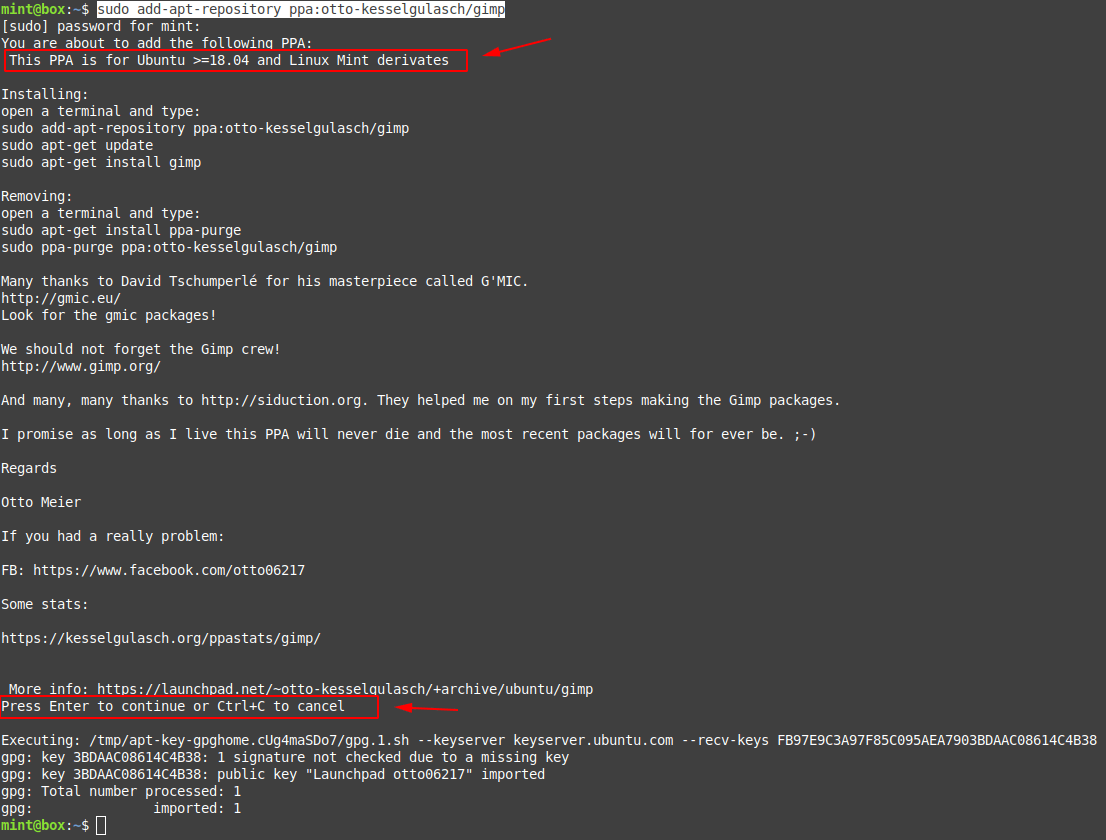
$ sudo add-apt-repository ppa:otto-kesselgulasch/gimpAfter executing the command mentioned above, you will be asked to “Press Enter to Continue” the PPA installation, hit “Enter“.
Step 3: Install latest GIMP
It is time to install the latest version of the software using the following command.
After adding the PPA, run the following commands to install the latest version of the GIMP.
$ sudo apt update -y$ sudo apt install -y gimp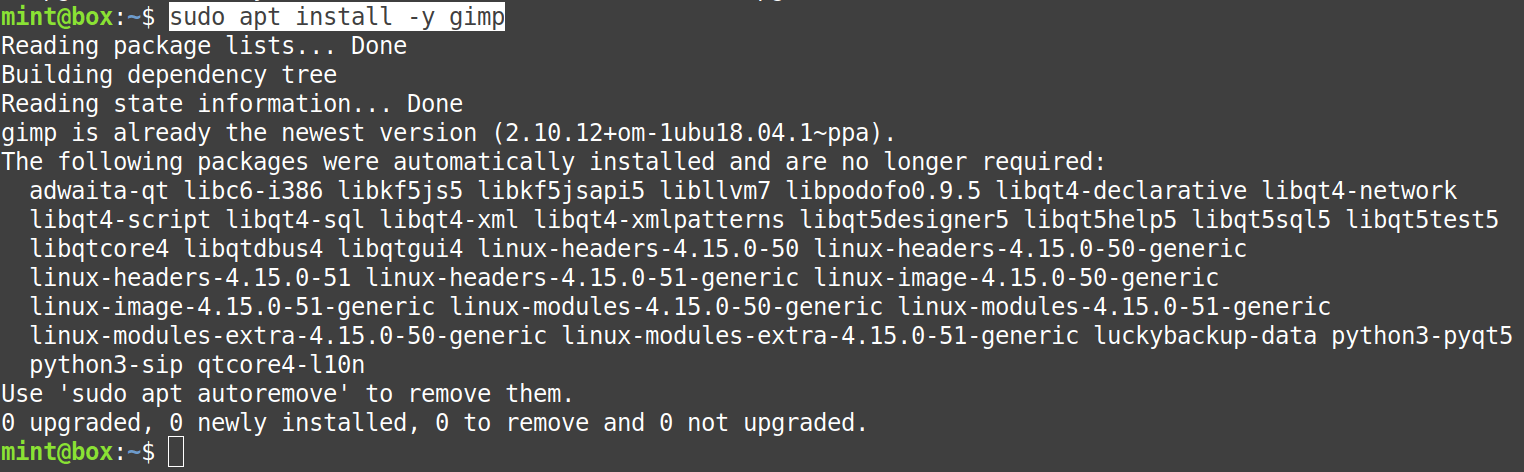
Step 4: Check the version again
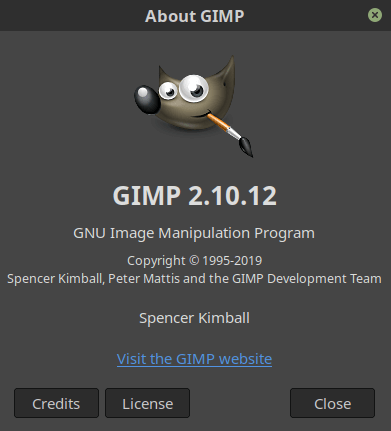
From the picture below, we can confirm that the software gimp is now updated to the latest version, which is “GIMP 2.10.12“.
Again, double-check it using the command line with the help of the following command. As a result, we can see that our task for “Update Gimp 2.8 to latest Gimp 2.10” is now achieved.
$ gimp --version
More on Ubuntu:
Thank you! Very helpful and informative!
I have this distro:
uname -a
Linux olivier-mint 4.15.0-88-generic #88~16.04.1-Ubuntu SMP Wed Feb 12 04:19:15 UTC 2020 x86_64 x86_64 x86_64 GNU/Linux
after doing everything, everything went fine:
Get:1 http://ppa.launchpad.net/otto-kesselgulasch/gimp/ubuntu xenial/main amd64 gimp amd64 2.8.22-0x0~ppa [4 590 kB]
Get:2 http://ppa.launchpad.net/otto-kesselgulasch/gimp/ubuntu xenial/main amd64 libgimp2.0 amd64 2.8.22-0x0~ppa [1 737 kB]
Get:3 http://ppa.launchpad.net/otto-kesselgulasch/gimp/ubuntu xenial/main amd64 gimp-data all 2.8.22-0x0~ppa [8 786 kB]
But it didnt upgrade to gimp 10. What should I do?